Designing a trade-fair stand — architecture for maximum lead conversion
High-converting stands follow a clear UX logic: on average, the visitor has 3 seconds in passing to grasp what they should do. If the lead-capture hardware is placed wrong or the lighting is set wrong, the conversion rate falls measurably. This guide connects spatial design with high-converting event IT — specifically with UpReach terminals and vyndo displays.
More than 200 B2B brands from across Europe trust UpReach — from agencies to enterprise corporations.





Which 3 zones does a high-converting trade-fair stand have?
A stand that achieves maximum lead conversion is divided into three clearly defined functional zones. Each zone has a specific job in the visitor funnel — from first attention to a closed sales conversation.
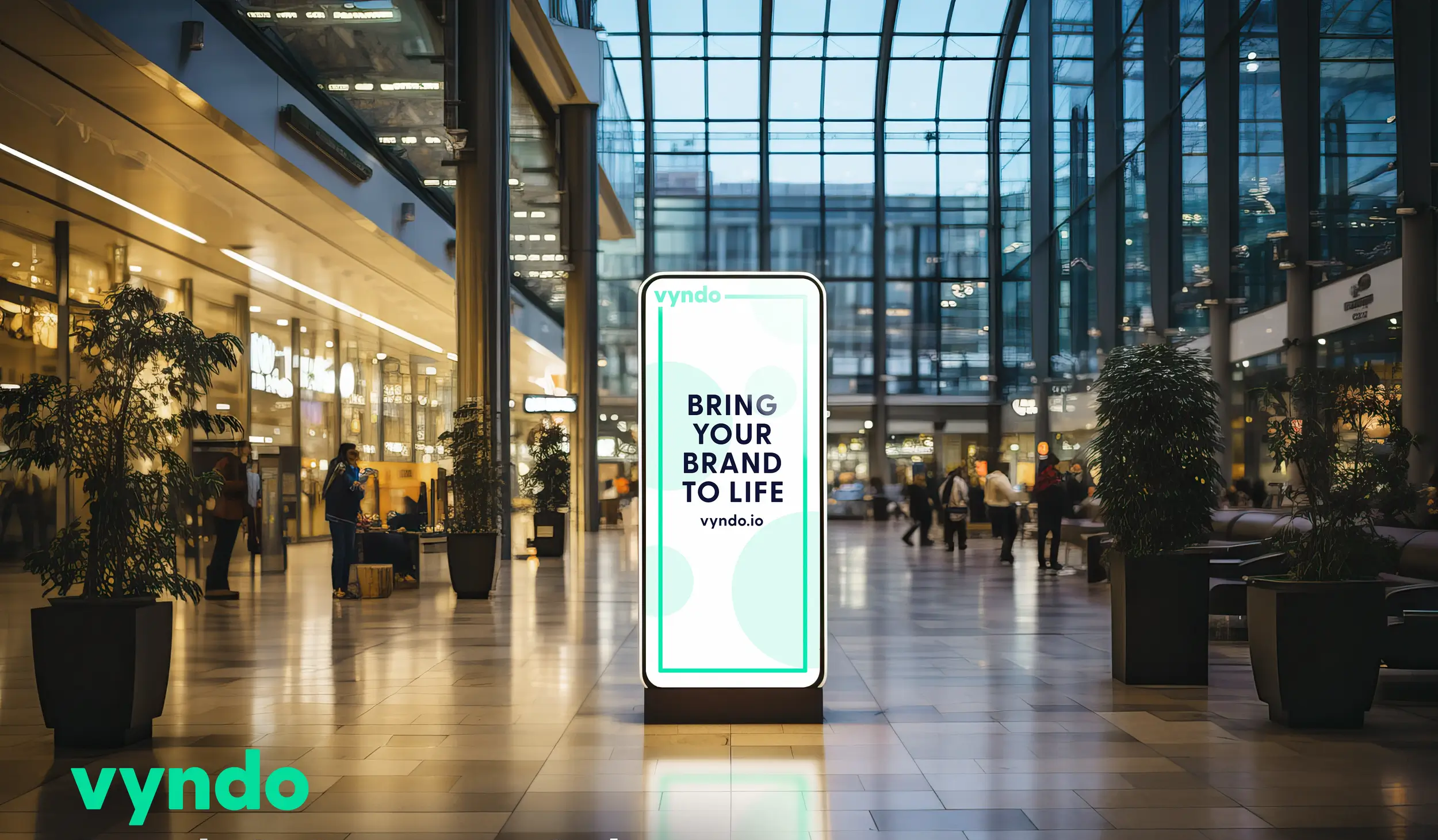
Zone 1 — attraction zone (stand edge): this is the most important zone. Pull marketing happens here: the UpReach AI terminal stands right at the aisle boundary. The AI (Face Swap, Background Removal) is the visual magnet. vyndo LED walls as a social wall amplify the effect — passers-by see the generated images of other visitors and want to try it themselves. The aim of this zone: stop footfall, trigger fascination, and secure the first lead contact via the data-gating form.
Zone 2 — interaction zone (middle): the stand's 'sandbox'. Here stand vyndo touch displays for interactive product catalogues or CUBE gamification terminals for in-depth product demos. A visitor who spends 5 minutes in Zone 2 has a level of information no flyer can replicate. Dwell time in Zone 2 correlates directly with the closing probability in the sales conversation.
Zone 3 — deep-dive zone (rear): the catering area and the meeting tables. Here acoustic and visual calm reign — no loud terminal, no flashing screen. In this zone, the salesperson holds the qualified conversation with the pre-qualified C-level lead. Lead qualification is already complete through Zones 1 and 2; the conversion to a deal begins here.
This zoning is not design theory but a conversion tool. Implement all three zones consistently and you raise the closing probability per stand event measurably.
How do you use light as an architectural conversion weapon?
Lighting is the most underestimated factor in stand design. There is no conversion without attention — and attention follows the light.
Base brightness as a stage effect: the stand must be significantly brighter than the surrounding hall aisles. A minimum of 400 lux on the stand area creates a 'stage effect': the human eye is drawn instinctively to the brightest point in its peripheral vision. Be brighter than your neighbours and you draw traffic — with no active approach.
Focus spots for the hardware: the UpReach terminal at the stand edge brings its own high-end LED ring lights (for the AI biometrics), but the contours of the housing have to be lit from above with accent light to convey value and dominance. An unlit terminal on a bright stand reads as a foreign body.
Digital signage as a self-illuminator: vyndo displays are self-illuminating, with brightness values up to 3,000 nits — far more than consumer TVs (400 nits). In darker stand areas (Zone 2, Zone 3) these displays create a luminous pull that guides the visitor through the stand. Plan vyndo displays deliberately into the zones that cannot be lit by ceiling fixtures.
Accent light for products: where physical products are shown, isolate them with directed spot light. Undirected hall floodlight conveys no value — directed accent light signals 'premium'.
How do you integrate IT hardware without breaking the stand design?
Event IT must not look like an afterthought. If the terminal stands on an improvised table with HDMI cables running across the floor, the stand's premium claim is destroyed. IT hardware has to merge architecturally.
Flush-mounting: UpReach terminals and vyndo touch displays can be built flush into drywall. The technology disappears entirely behind the surface — only the glass front with the touch interface remains visible. This installation type requires exact dimensions in advance (UpReach provides detailed 3D data and CAD files for stand builders).
Cable discipline as a quality signal: a B2B stand with visible HDMI cables or power strips on the floor reads as amateurish. Plan exactly, in the floor-plan phase, where power and LAN outlets for the terminals need to sit (raised floor or cable ducts in modular builds). UpReach supplies the exact power and data requirements per device on request.
White-label wrapping: the metal housing of the UpReach hardware should be wrapped in the exact brand colour (RAL) of the stand walls. The terminal then reads as the company's own IT — not rented equipment. This wrapping is part of the standard rental offer.
Heat management: industrial hardware produces waste heat. When vyndo touch displays or UpReach terminals are built flush into stand walls, ventilation slots for convection must be planned in. UpReach supplies exact specifications in the product data sheets.
Which design mistakes are guaranteed to destroy fair ROI?
Some design decisions actively destroy lead conversion — regardless of how good the terminal or the software is.
The fortress (barrier stand): massive front counters with staff sitting behind them build a physical wall between exhibitor and visitor. The visitor, who already avoids sales conversations by nature, turns away at the first sight of a counter. Open, freely accessible stand edges are mandatory.
Walls of text: no one reads a paragraph of text on a 3-metre-high stand wall. The human eye scans, it does not read. vyndo LED screens for dynamic video content replace printed text panels — with the added benefit that the content can be changed daily via the cloud CMS, with no new print job.
Hardware in the blind spot: an UpReach terminal next to the cloakroom in the rear of the stand converts almost nothing. It is a top-of-funnel tool and belongs at the absolute stand edge. Visibility from the main aisle is not optional, it is the basic condition.
Too many AI options: if the touchscreen offers the visitor 10 different AI filters, choice overload sets in. The user thinks too long, the queue at the terminal grows, throughput drops. Maximum: 2–3 thematically specific AI scenarios in the corporate design.
Conclusion: design follows funnel
A trade-fair stand is a walk-in landing page. Every architectural decision — zoning, lighting, hardware placement, cable routing — affects lead conversion measurably. UpReach supplies the technological infrastructure (terminal, software, CMS) and the planning documents (3D data, technical specifications) with which stand builders can integrate the IT straight into any stand design. The goal is always the same: maximum conversion from footfall traffic into verified CRM leads.
Common questions about designing a trade-fair stand
Yes. For architects and stand builders we provide detailed 3D models (.obj, .step) of all terminals (Compact, Pro V1, Mirror Pro, StudioCabin V2). These integrate straight into rendering software such as Vectorworks, AutoCAD or Revit, so the placement can be checked exactly in the stand render.
For a Pro V1 terminal, plan a clear space of 1.5 to 2 square metres. The user stands roughly 80 cm in front of the lens. Add space for a possible queue, which must not block the main aisle — otherwise the terminal loses its visibility from the aisle.
No. UpReach uses continuous or softly pulsed ring LEDs — not aggressive studio strobes. The light is aimed strictly at the person being photographed, with minimal scatter. Conversations in Zone 3 (catering/meeting) are not disturbed, as long as the terminal is at least 3–4 metres away.
Yes. UpReach supplies detailed assembly instructions for flush-mount installations, including power and data specifications. For complex installation situations we offer optional on-site IT-technician support. Setting up a free-standing terminal takes under 15 minutes — with no tools.
For standard rental solutions with free-standing terminals, 4–6 weeks is enough. For flush-mount integrations, bespoke brand wraps or custom AI configurations (e.g. industry-specific face-swap scenarios) we recommend 8–12 weeks' lead time, so stand builders can integrate the technical data into the stand plan.
Integrate lead hardware into your stand design
UpReach supplies technology that adapts to your design — from a free-standing terminal to a flush-mount integration.